
Leads Finder

Find the Companies Worth Calling, Continuously

Amernet Leads Finder builds prospect lists from the filters that actually matter — industry, location, job title, revenue and whether a business runs multiple sites — and keeps them topped up on a schedule.

A saved search is not a one-off export. It runs on the cadence you set and appends what is new, so the list is still worth working next month.

It also tells you where to look next: the gaps between the searches you already run are analysed and turned into ready-to-run suggestions.
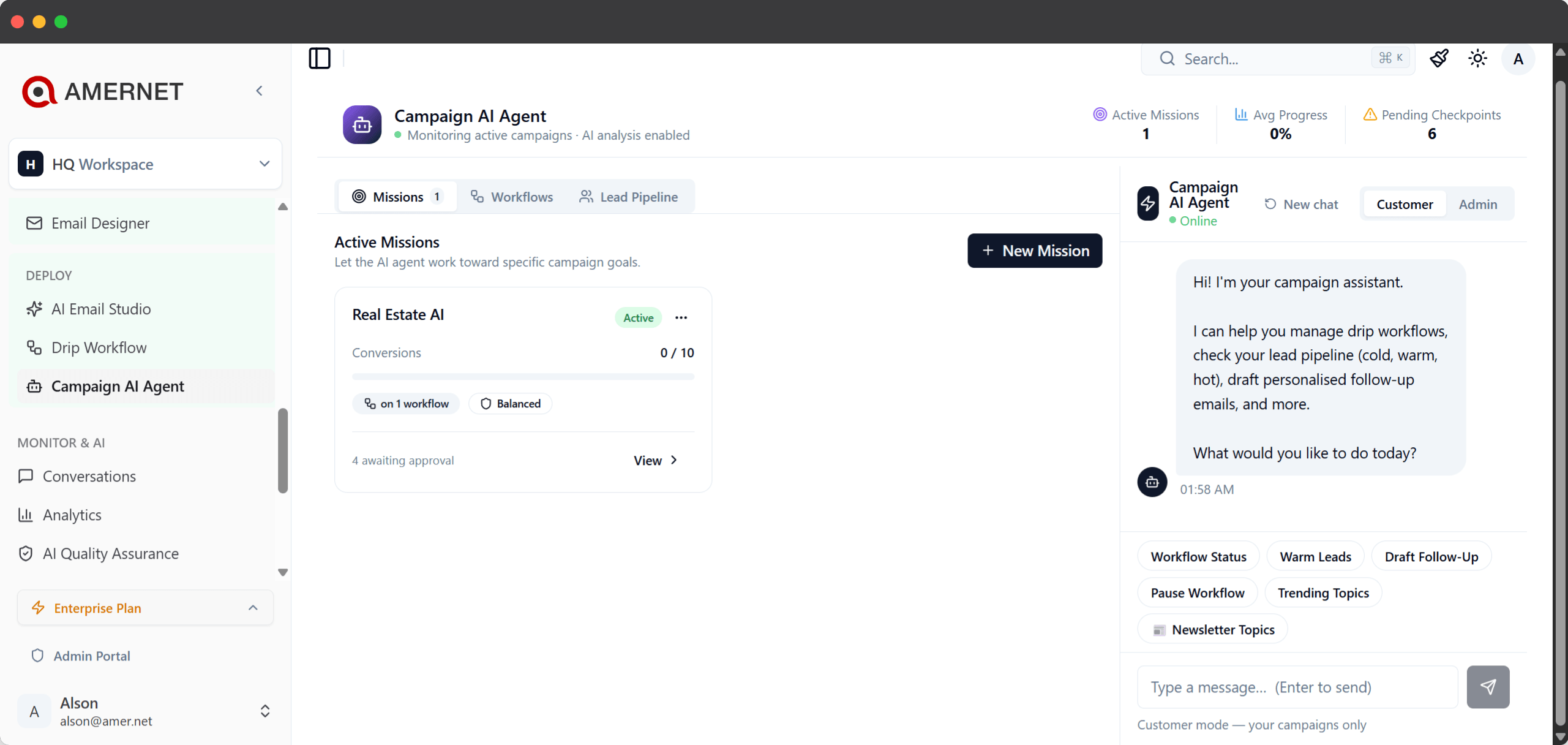
Amernet AI agents dashboard handling a live campaign conversation
The search

What Leads Finder actually does

A saved search that keeps working after you close the tab.

Describe the businesses you want: the industry, where they are, the job title you need to reach, the revenue band, and whether you want single sites or multi-location operators. Run it, and you get a list of companies and contacts to work.

Save it and it becomes a standing search. On the cadence you choose it runs again and appends what is new, rather than handing you the same names twice.

Multi-location is a filter in its own right for good reason: a franchise group and an independent are completely different sales conversations, and mixing them into one list makes both harder to work.

A search that works can be branched into a variant — same shape, different sector or region — that then runs on its own.

What it gives you

Six things Leads Finder does for you

Sourcing that does not stop when you stop clicking.

Filters that match how you sell

Industry, location, job title, revenue band and keywords — combined, so the list is the businesses you actually want to talk to.

Runs on a schedule, appends what is new

A saved search re-runs on its own cadence and adds only net-new prospects, so the list stays current without anyone remembering to refresh it.

Tells you where to look next

The gaps between your existing searches are analysed into ranked, ready-to-run suggestions: untapped sectors, new geographies, chains.

Branch a search that works

Copy a productive search into a variant for another sector or region and run it independently, without disturbing the original.

Straight into a sequence

Hand a list to a drip campaign and the follow-up starts on its own — email, LinkedIn, or an AI call when somebody goes warm.

Accounts that move, stay put

When a contact changes company, the new company can be searched and added into the same list rather than fragmenting your lead source.

Why it keeps going

The list that does not go stale

Sourcing is the step teams quietly stop doing.

Prospect lists decay. People move, businesses close, and the list that produced meetings in January is thin by April. The usual failure is not a bad list — it is that nobody went back to build a new one.

A scheduled search removes that step. It runs, it appends, and the people working the list find new names there without asking anyone.

The recommendations matter for the same reason. Teams tend to keep running the search that worked first, long after it has been exhausted, because nobody has time to work out what the next one should be.

Analysing what you already run — and what you have never touched — turns that into a shortlist instead of a planning meeting.

Questions

Common questions about Leads Finder

What people ask about building the list.

Industry, location, job title, revenue band and keywords — plus whether a business is a multi-location operator, which is usually a different sales conversation from an independent.

Ongoing, if you want it to be. A saved search runs again on the cadence you set and appends net-new prospects rather than repeating what you already have.

Your existing searches are analysed for gaps — sectors you work but have not fully covered, regions you use elsewhere, chains you have not targeted — and turned into ranked suggestions you can run as-is.

Yes. Branch it into a variant for another sector or region. The copy runs independently, so tuning it does not disturb the original.

They can go straight into a drip campaign, so email, LinkedIn and AI calls start without a separate import step.

The new company can be searched and the result added into the existing list, so a moved account stays with its original lead source instead of fragmenting into a new one.

Build a list for something you actually sell

Bring one target profile; see what comes back.

Book a short session and we will build a search for a segment you are trying to win, look at the companies it returns, and set the cadence it runs on afterwards.