
SIP Extensions

Give an AI Agent an Extension on Your Own PBX

A SIP extension puts an Amernet AI agent behind the phone system you already run. The agent registers as an extension, exactly like a desk phone, and your PBX decides what to send it.

Nothing is replaced and nothing is migrated. Ring group overflow, the after-hours queue, a department nobody can staff at lunchtime — route it to the extension and the agent picks up.

If the registration ever drops, it says so rather than sitting there showing a green badge over a line that is not answering.
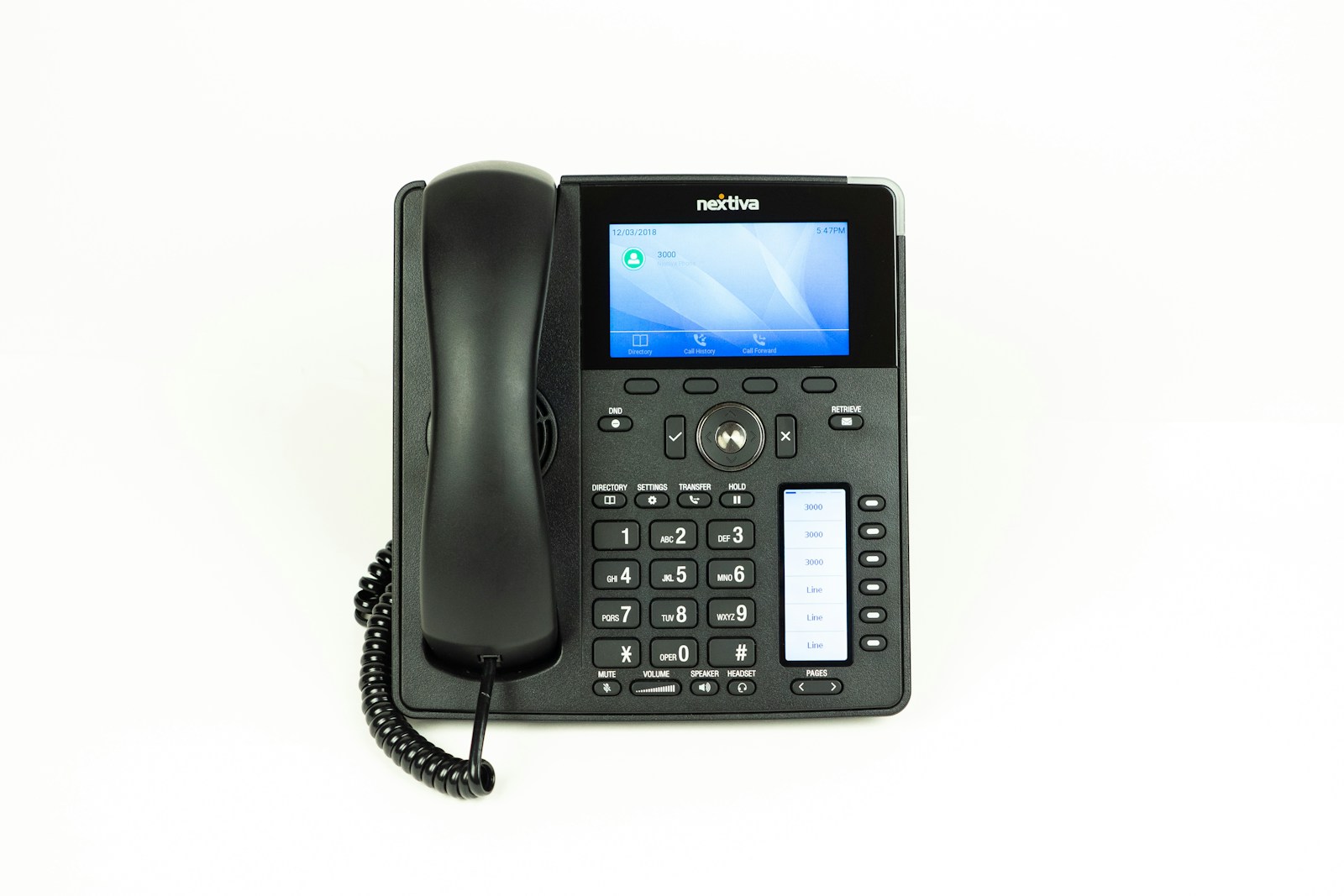
IP desk phone on an office desk, registered to a SIP extension
The extension

What a SIP extension actually is here

The agent registers to your PBX with credentials you issue.

You create an extension on your PBX the way you would for a new starter, and give those credentials — extension number, auth ID and password — to Amernet. The agent registers with them and becomes reachable at that extension.

From your PBX’s point of view it is another endpoint. Every routing rule you already have — hunt groups, time conditions, overflow, failover — works on it unchanged.

That is the whole appeal. You are not migrating a phone system to try an AI agent; you are adding one extension and pointing some calls at it.

If it does not work out, you delete an extension. There is no unwinding to do.

What it gives you

Six reasons to do it this way

Your PBX keeps its job; the agent takes the calls nobody gets to.

Works with the PBX you have

The agent registers as a standard extension, so your existing system routes to it with the rules you already wrote.

Overflow and after-hours

Send the calls that currently ring out — lunchtime, evenings, the queue that is three deep — to an extension that always answers.

Registration you can trust

If the registration goes down and stays down, it is shown as failed with the reason, instead of a stale badge hiding an unreachable agent.

It keeps trying

A failed registration is retried rather than abandoned, so a brief network problem does not need somebody to notice and re-enable it.

Transfers back to your team

The agent can transfer a call to a real extension on the same PBX, so escalation is an internal transfer, not a callback.

Calls recorded and reviewable

Calls answered on the extension are transcribed and logged like any other, so you can hear what it handled.

Worth knowing

Why a failed registration must be loud

A silent SIP failure is the worst kind.

The dangerous failure in telephony is not an error — it is a line that looks fine and is not answering. A registration can drop for a network blip or a credential change, and if the dashboard still shows green, the first thing anybody learns is a customer complaining nobody picked up.

So a registration that stays down is marked failed, with the error, visibly.

It also keeps retrying in the background. Most drops are transient and fix themselves, and a system that requires a person to notice and re-enable is a system that stays broken over a weekend.

Loud when it matters, self-healing when it can be.

Questions

Common questions about SIP extensions

What people ask before pointing a PBX at an agent.

No. That is the point of doing it this way. The agent registers as an extension on the PBX you already run, and your existing routing decides what reaches it.

An extension on your PBX and its credentials — extension number, auth ID and password — the same details you would give a new desk phone.

The ones that currently ring out: overflow when the queue is full, after-hours, lunch cover, or a department that cannot always be staffed.

A registration that is persistently down is shown as failed with the reason, rather than continuing to display as registered. It also keeps retrying, so transient drops recover on their own.

Yes — to a real extension on the same PBX, so escalation is a normal internal transfer. See AI agents.

Yes. An extension sits behind your own system; a purchased or ported number connects directly. See numbers and SIP trunks.

Add one extension and point some calls at it

The lowest-commitment way to try an AI agent on real calls.

Book a short session and we will register an agent as an extension on your PBX and send it your overflow, so you can judge it on calls that are currently going unanswered.